Identify where login fails
WARDOGS connection problems can occur before Steam starts the game, during authentication, in the login queue, in the server browser or while joining a match. Write down the exact stage and message before changing settings. A FirstLook community-account problem is separate from the Steam Early Access game login.
| Stage | Typical symptom | First check |
|---|---|---|
| Steam | Game missing or update pending | Ownership, Library filters and Downloads |
| Startup | Crash or anti-cheat failure | Client files, restart and official support notices |
| Login | Authentication or long queue | Current service announcement and client version |
| Browser | No servers or incomplete list | Filters, region and Patch 0.11 changes |
| Join | Timeout, kick or version mismatch | Server build, latency and latest update |
Update the game through Steam
Close WARDOGS completely, open Steam Downloads and allow the latest client update to finish. Restart Steam if the download is stuck, then verify the installed files only after checking that an update is not already queued. Do not install an unofficial patch, standalone launcher or mirror.
After a forced client update, every player may return to a login queue. Repeatedly relaunching does not bypass controlled admission and can make it harder to tell whether the first update completed.
Check the announcement time
An official incident notice describes conditions at a specific time; it is not permanent live status. Launch Stability Hotfix #1 addressed failed joins, unexpected kicks and extended queue times on September 10. Patch 0.11 and its September 14 maintenance focused on the server browser and community-server visibility.
Open the official Steam announcement archive and compare the post time, client version and symptom. If no current notice matches, continue with local and server-specific checks rather than assuming a global outage.
Match the symptom to the scope
- Only your client fails: restart, finish updates, verify files and check security software messages.
- One server fails: try another server in the same region and note the server name.
- Every server fails after an update: compare the installed build with the current announcement.
- Friends can join but you cannot: compare filters, region, latency and account state.
- The game crashes: record hardware, graphics driver, settings, crash time and what was happening. For performance without a crash, follow the best settings test workflow.
- Voice fails after a join: check the communication status and selected input device; launch updates included voice recovery changes.
Avoid deleting configuration or reinstalling the whole game before simpler evidence identifies a local-file problem.
Queues and server browser changes
Patch 0.11 split official and community-server presentation more clearly and changed how browser counts and visibility work. Reset restrictive filters, search the exact server name and confirm whether the group is looking at the official or community list. A server may also be full, restarting or on a different build.
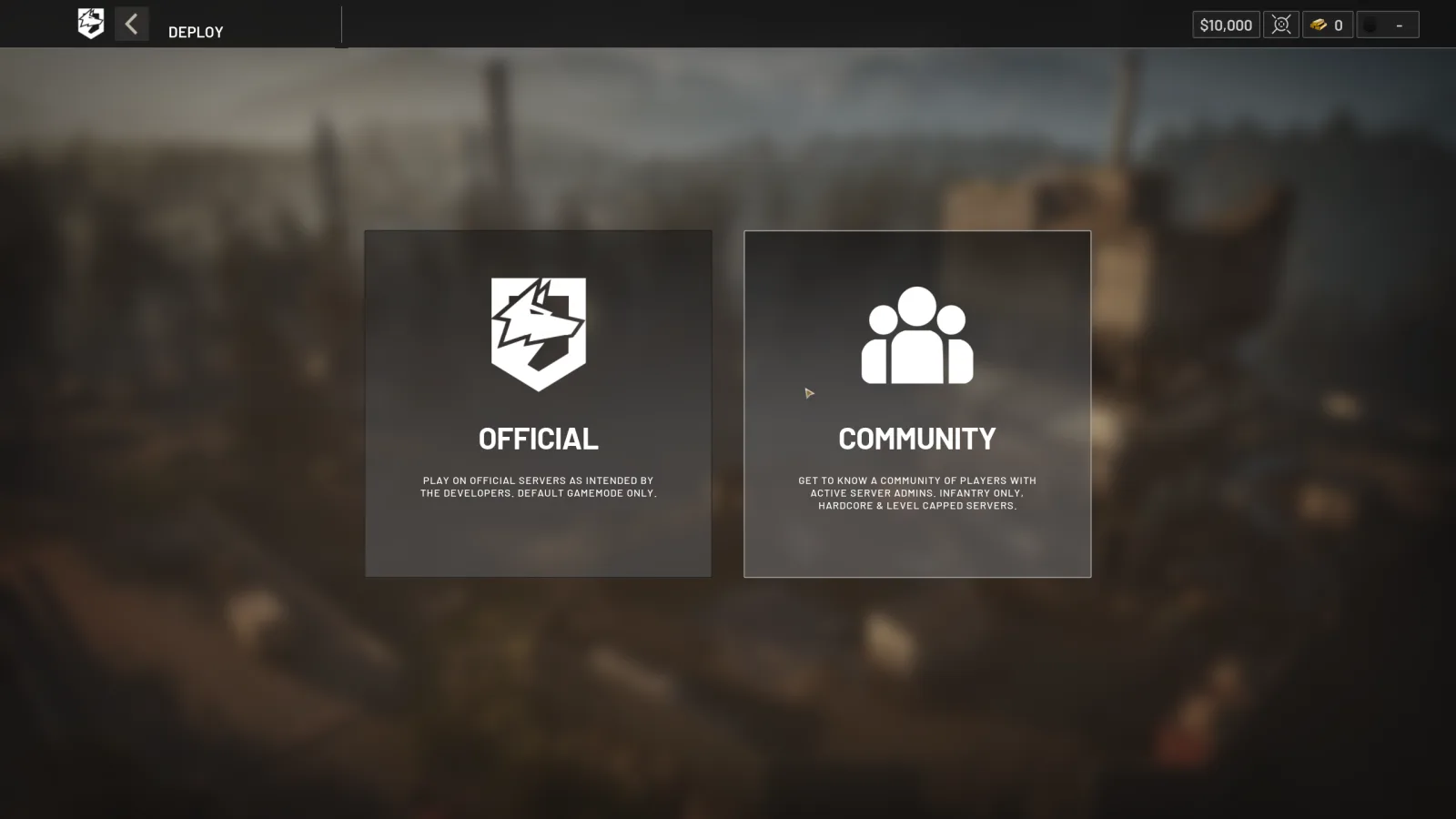
01 Choose the browser typeOfficial and Community servers open from separate choices. Confirm that every squad member selects the same type before comparing results.
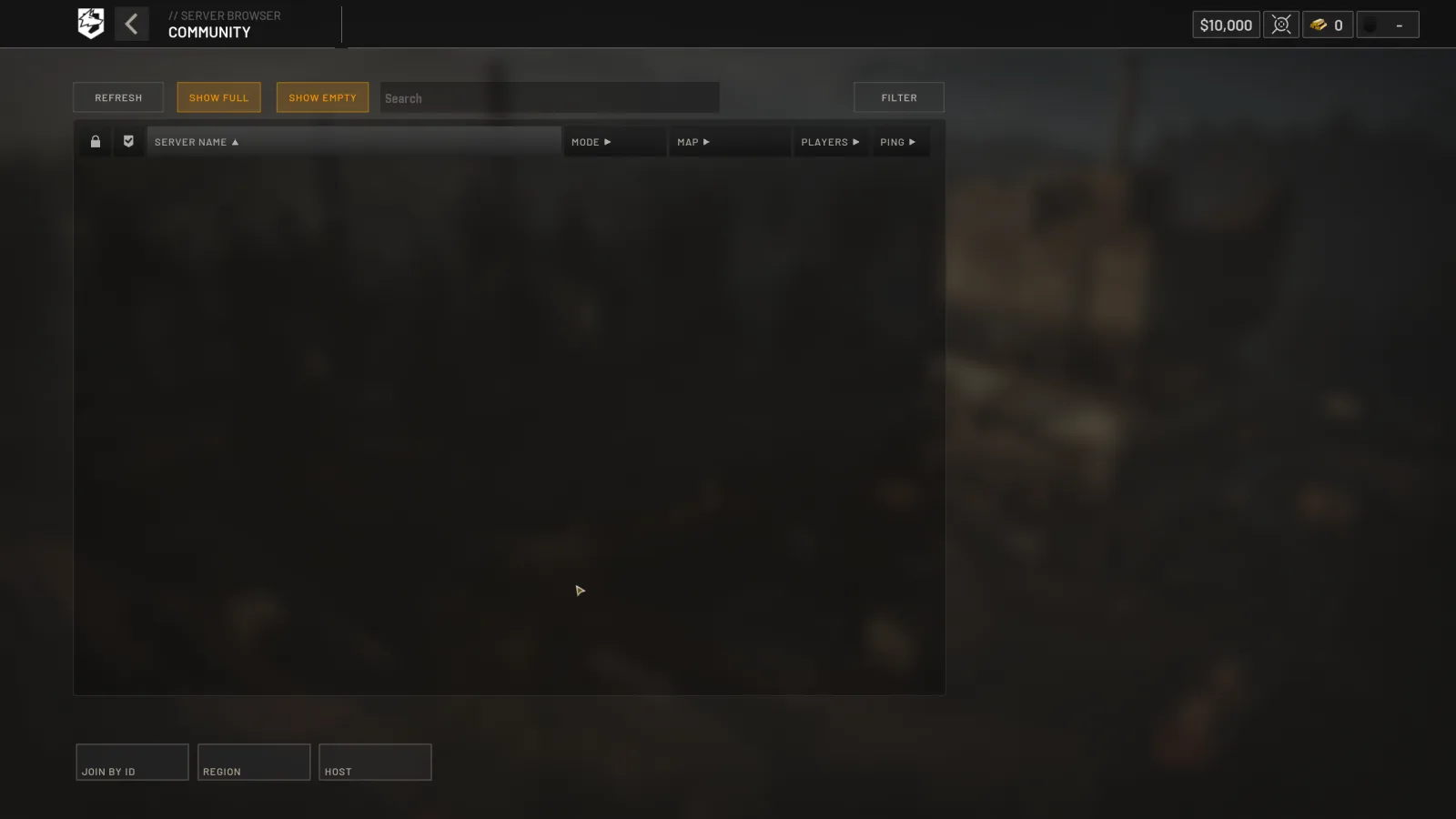
02 Search a Community serverCommunity browsing includes text search, filters, empty and full toggles, region selection and Join by ID. Reset restrictive controls when a known server is missing.
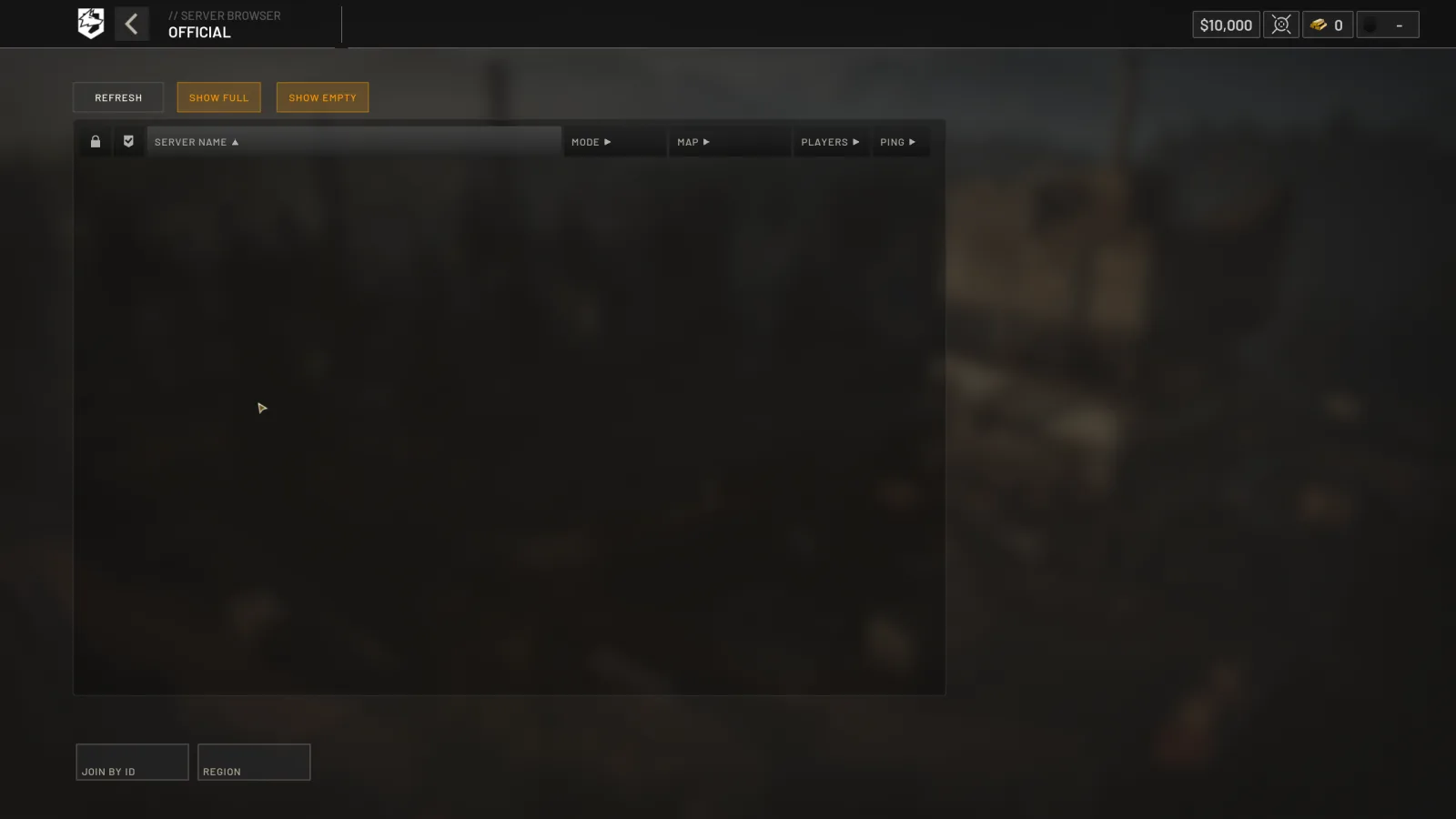
03 Check the Official listOfficial browsing keeps a smaller control set. Compare the region, occupancy toggles, player count and ping before treating an empty result as an outage.
Official Patch 0.11 interface screenshots · September 14, 2026 · source
For friends, share the exact server name and region rather than “join me.” The play-with-friends guide provides a coordination checklist.
Send useful evidence to support
A useful report includes the exact error, UTC/local time with timezone, Steam region, server name, installed game version, reproduction steps and relevant hardware. Add a screenshot that excludes account secrets and invite links. State what you already tried once, in order.
Use Steam Support for Steam installation or ownership, and the official WARDOGS community/support routes for game-service issues. Community discussion can reveal patterns, but only a current first-party notice should be presented as service status.
After an update or a version mismatch
Finish both downloading and patching in Steam before launching the released WARDOGS entry. If one server rejects you while another works, record that server and ask its operator about the build. If every attempt fails, compare the time with the official announcement feed. An old maintenance notice is not evidence that servers are down now.
For missing or corrupted files, use Steam Library → WARDOGS → Properties → Installed Files → Verify integrity of game files, following Valve's instructions. Let an active update finish first. Reinstallation is not the first diagnostic step for a join timeout.
Error 1628505091
Launch-day Steam player reports associate this number with failing to enter a server after the game has started. The reports establish a symptom, not a single confirmed cause or a guaranteed fix. Record the full message and use the join-stage checks above; the number alone does not establish a ban or a damaged installation.
Microphone and voice checks
| Result | Next check |
|---|---|
| No input in Windows | Check the selected input, hardware mute and microphone permissions |
| Windows works, Steam test fails | Select the intended device in Steam Friends & Chat → Settings → Voice |
| Windows and Steam work, WARDOGS does not | Check the game's input device, push-to-talk binding and communication status |
| Voice stops after joining | Record the join failure and whether voice returns after a normal reconnect |
Valve's microphone test helps isolate the device; passing it does not prove that WARDOGS uses the same input or that its voice service is healthy. The launch notes reported voice recovery fixes, but they do not guarantee every current voice issue is resolved. Include the headset model and test results in a support report.
Read every value with its version.
Official changes use first-party announcements. Item fields without a current official table remain labeled as dated gameplay records until they can be checked in the public client.